
Visualization Tool
Room Preview System
The preview system uses depth-sensor simulation technology to accurately place 3D-modeled embroidery hoops within your uploaded room image. The tool calculates lighting conditions and shadow placement based on the room's light sources.
This allows you to see how different pieces will appear in your space before making a selection. The visualization accounts for scale, lighting, and spatial relationships.
Depth-Sensor Simulation

Light Source Analysis
The system analyzes your uploaded room image to identify light sources and their positions. This information is used to calculate realistic shadow placement and lighting effects on the artwork.
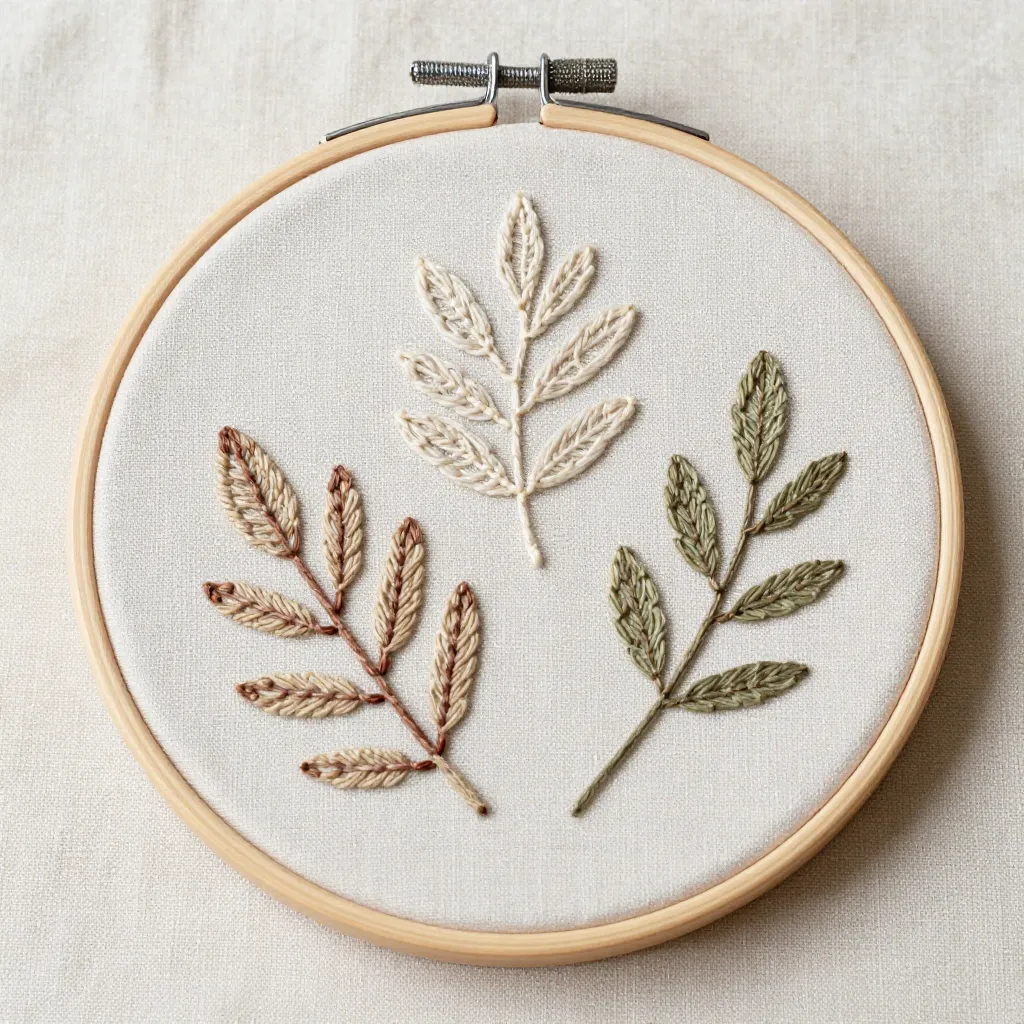
3D Model Integration
Each embroidery piece is modeled in three dimensions, allowing accurate placement and perspective adjustment. The models maintain proper proportions relative to room dimensions.
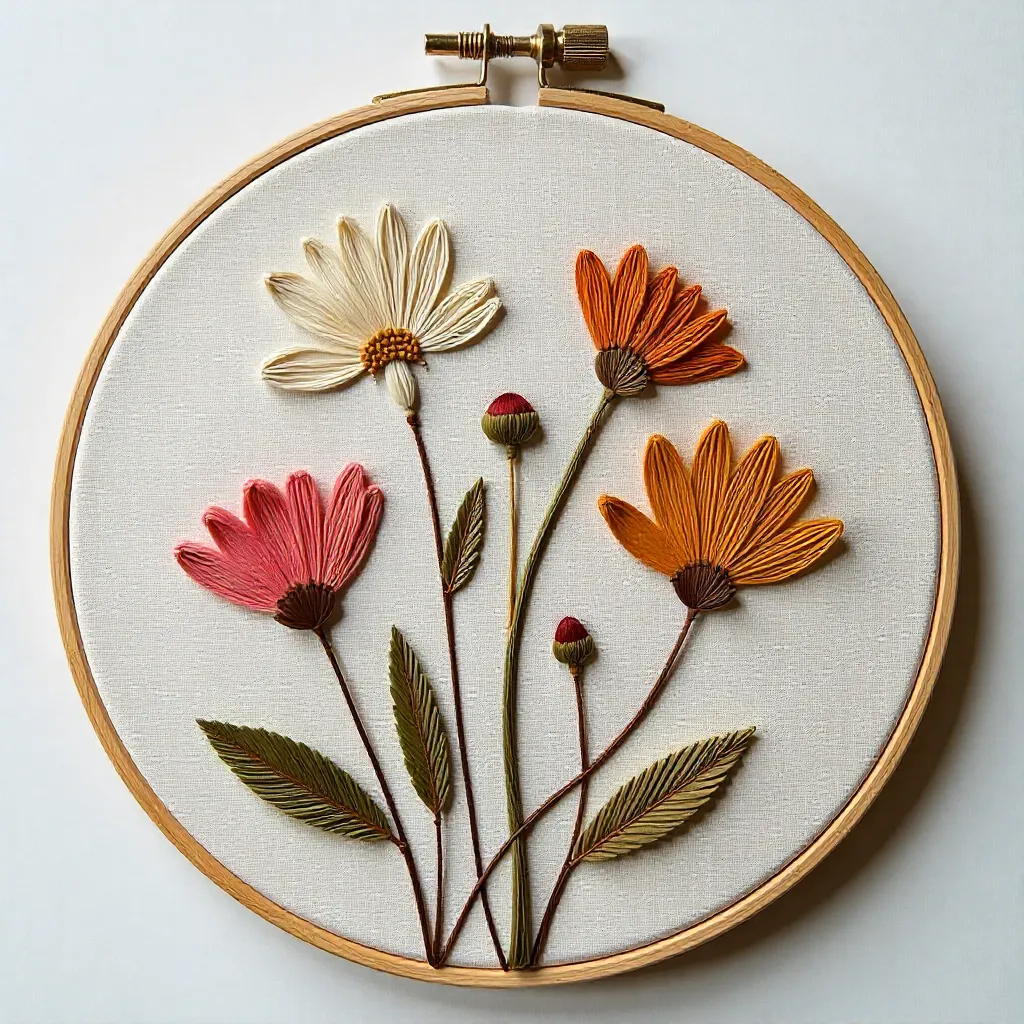
How It Works
Preview Process
To use the preview tool, upload a clear photograph of the wall space where you're considering placing the artwork. The image should show the wall, surrounding area, and any visible light sources.
After uploading, select an artwork from the collection. The system will generate a preview showing the piece placed on your wall, with accurate scale, lighting, and shadow effects.
You can adjust the placement position and try different pieces to find the best fit for your space. The preview helps ensure the artwork complements your room's aesthetic and lighting conditions.